
Never lose track of what you were working on in Claude.
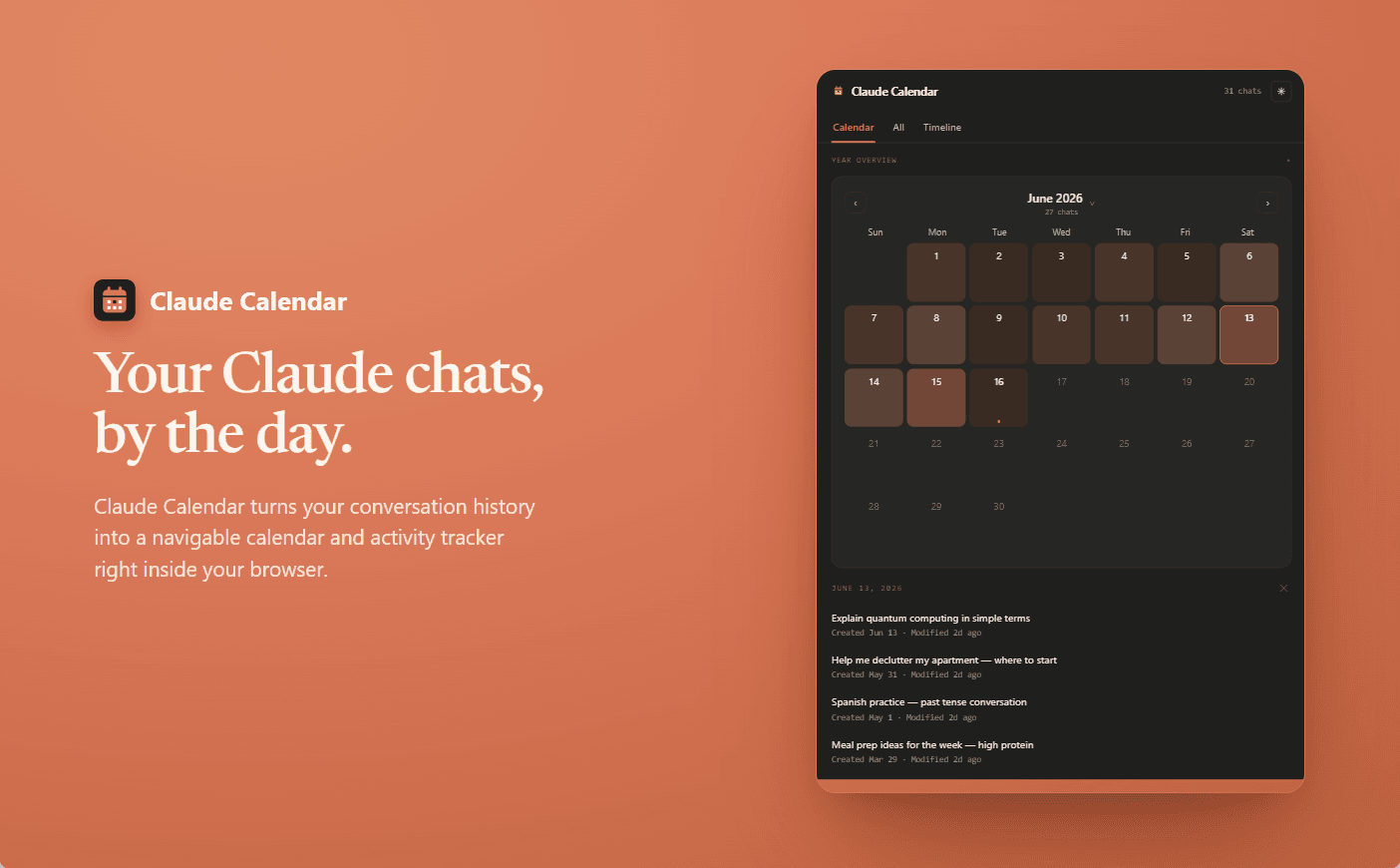
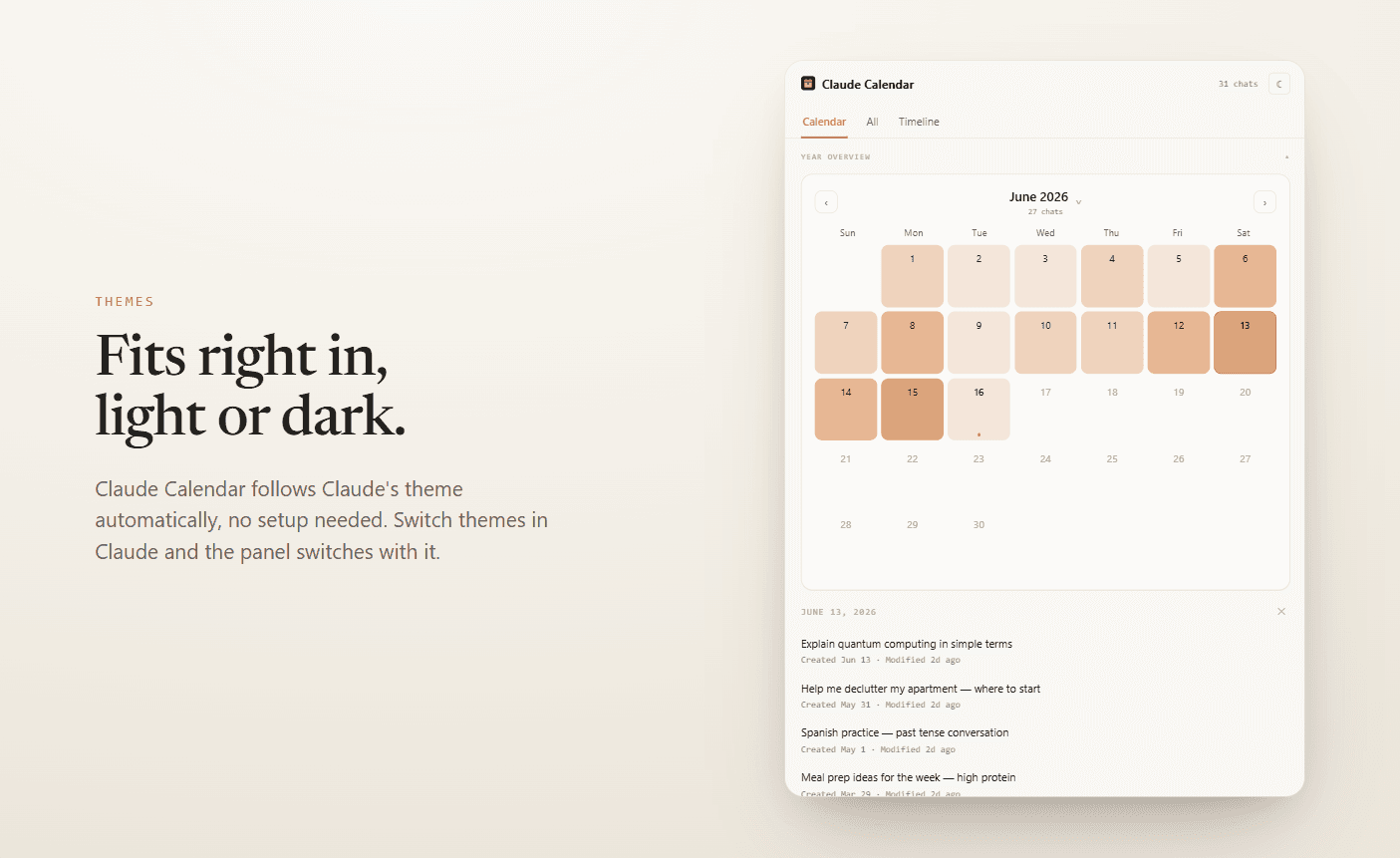
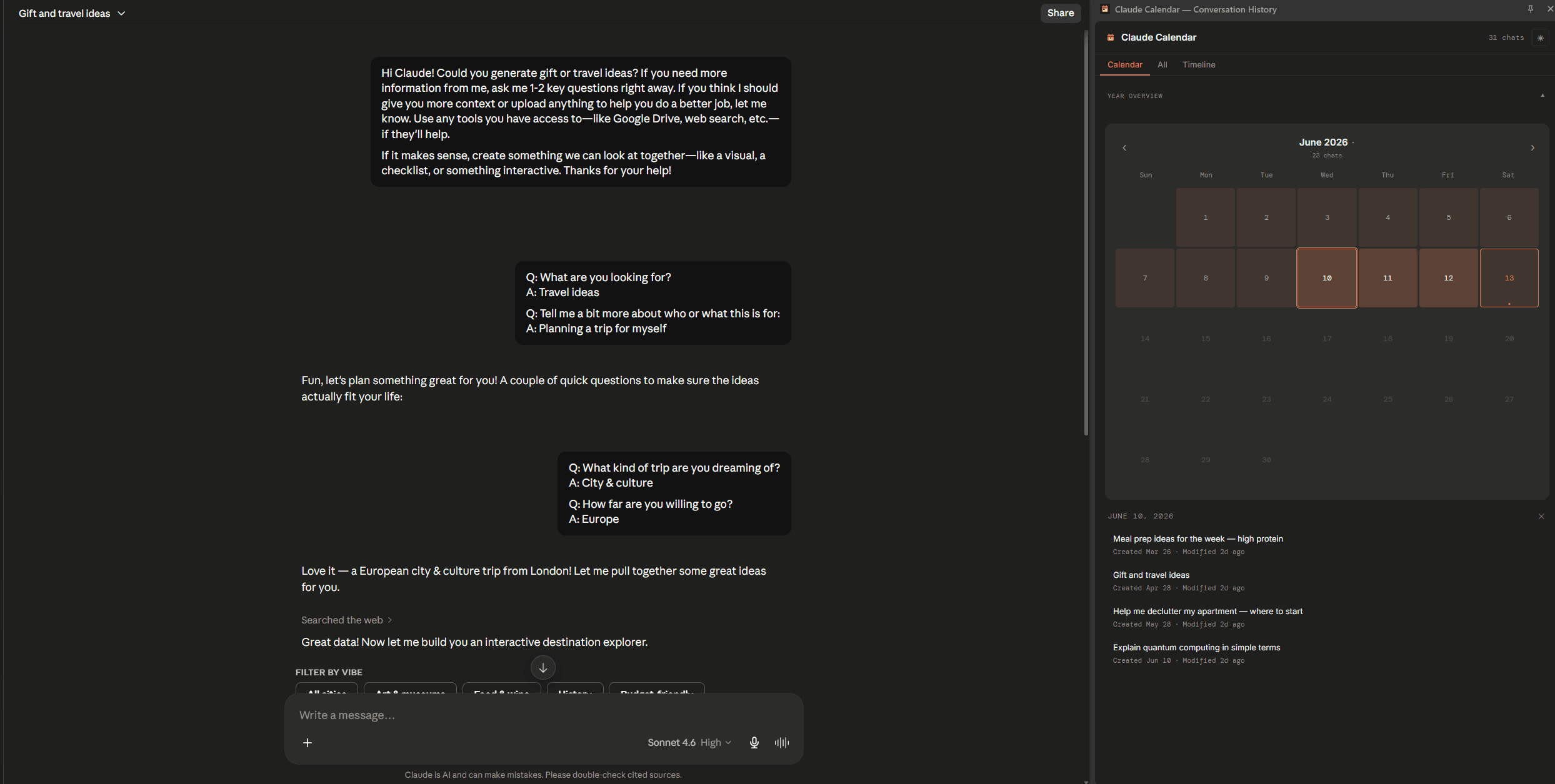
Claude Calendar turns your conversation history into a visual calendar and activity tracker — right inside the browser.
Add to Chrome — it's freeNo account needed · All data stays on your device · Free forever
How It Works
Install
Add the extension from the Chrome Web Store. Takes 10 seconds.
Open Claude
Browse claude.ai as you normally would. The extension records your conversation history automatically.
Explore
Open the side panel to see your conversations organised by day, week and month.
Features
Conversation Calendar
See every day you used Claude on a monthly calendar. Click any date to see what you were working on.
Continue Where You Left Off
Your 5 most recently active conversations, one click away in the side panel.
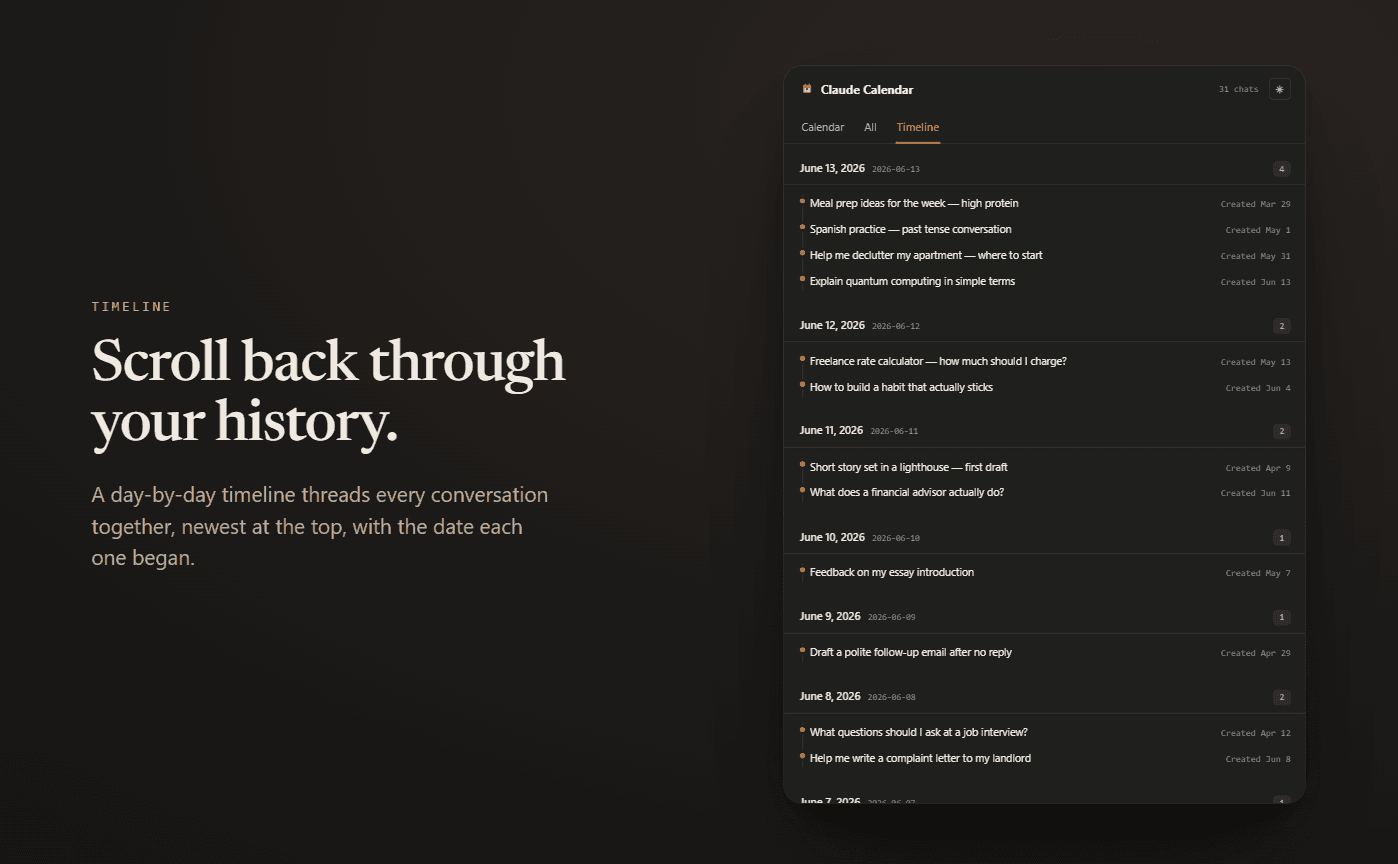
Activity Timeline
Every conversation grouped by day. Scroll back through your full history.
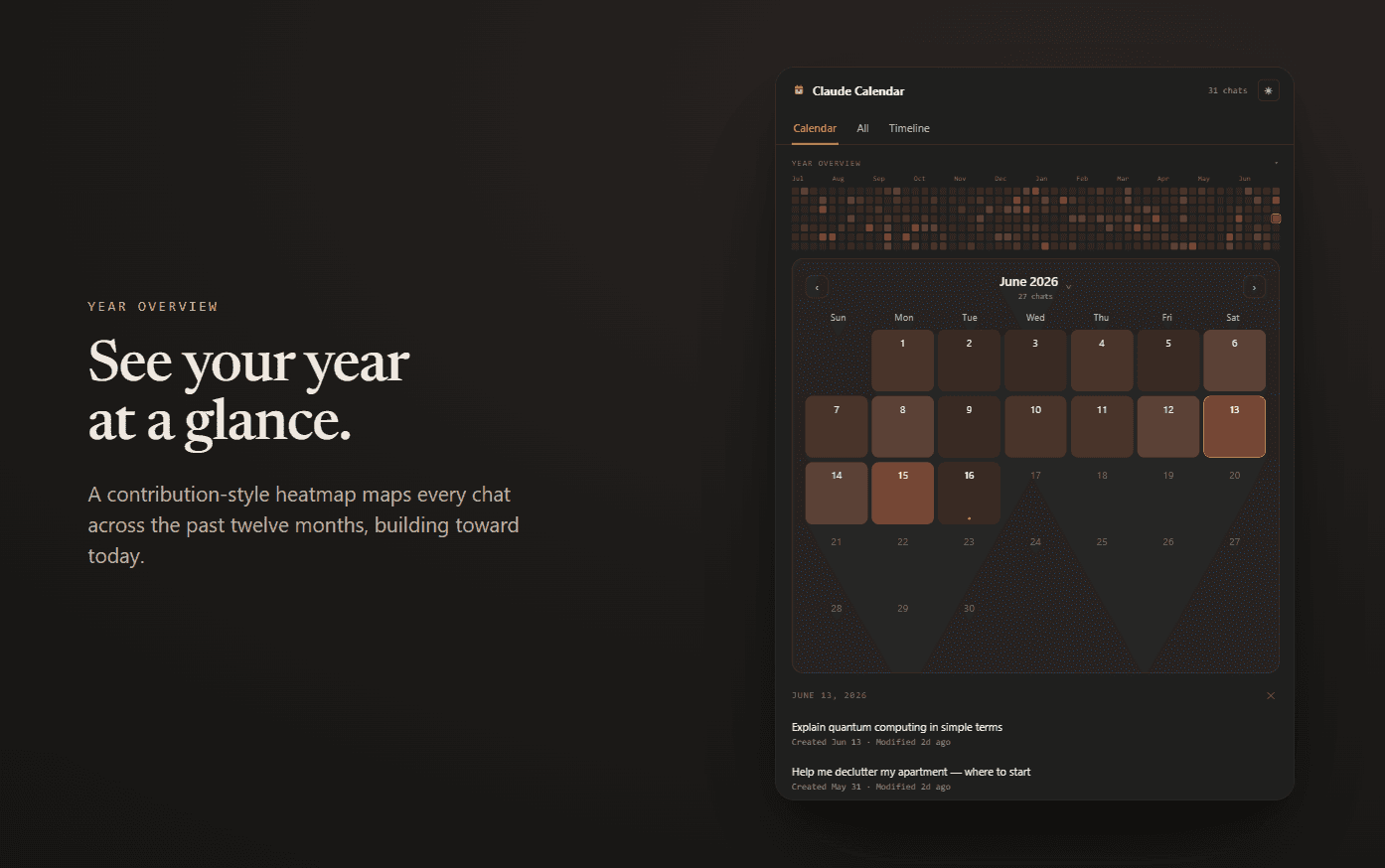
Year Overview
A GitHub-style heatmap of your Claude activity over the past 52 weeks.
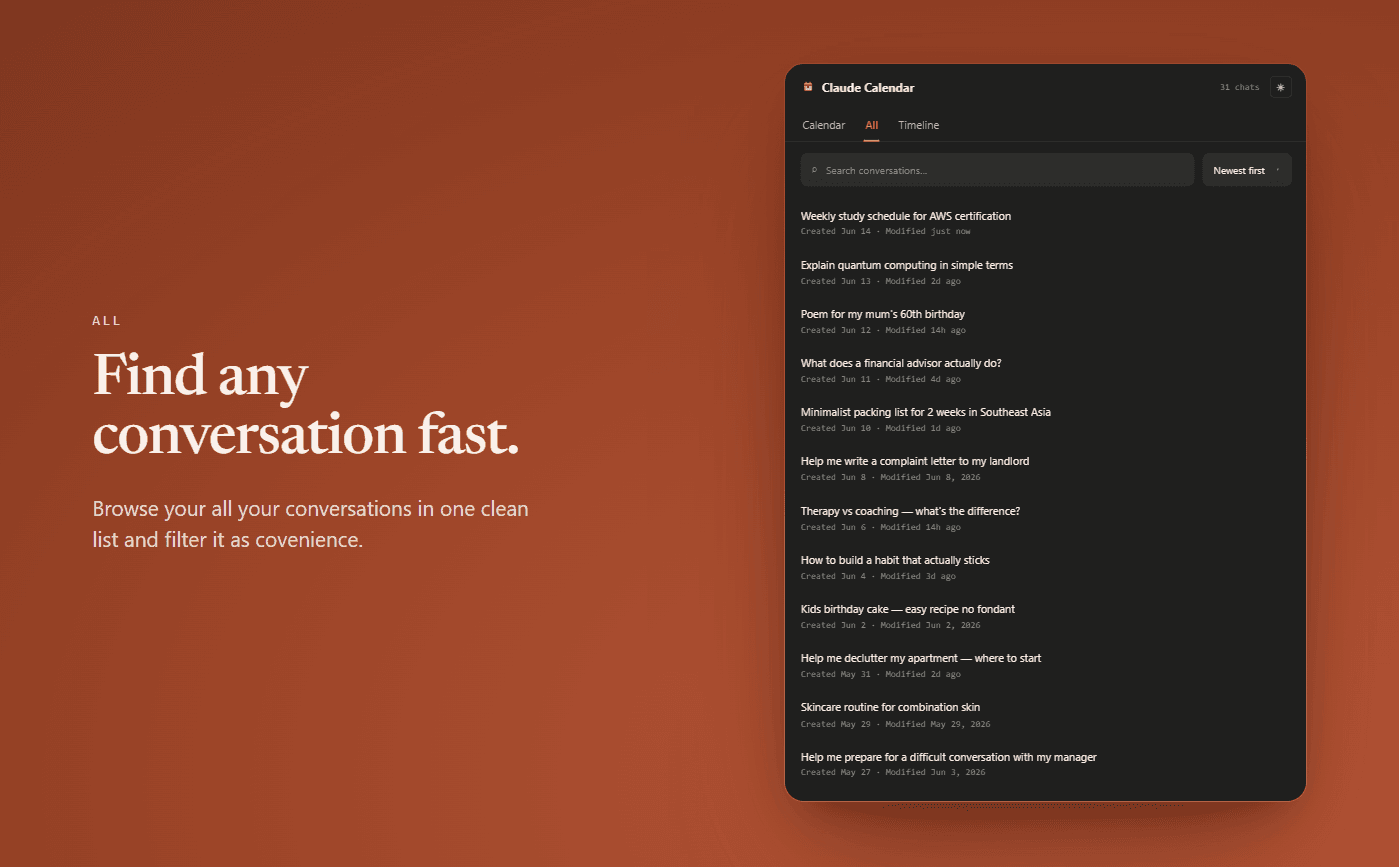
Search & Filter
Find any conversation by title. Sort by last active, date created, or A–Z.
Revisit Suggestions
On dates you haven't used Claude yet, see what you were working on at the same time last year.
Privacy First
Your data never leaves your device.
Claude Calendar stores conversation titles, dates and visit timestamps locally using Chrome's built-in storage. Nothing is sent to any server. No account required. No tracking. No analytics.
All data stays on your device — always.
Pricing
Free
$0— forever
- ✓Last 30 days of history
- ✓Calendar, timeline and search
- ✓Continue where you left off
- ✓Year heatmap
Pro
$3.99/ month
$29.99 / yearSave 37%
- ✓Everything in Free
- ✓Full conversation history — no time limit
- ✓Export your history as JSON — titles, dates, conversation URLs (does not include message content)
Cancel anytime. Payments processed by Dodo Payments.
FAQ
Does it work with free Claude accounts?+
Yes. Claude Calendar works with any Claude account — free or Pro. It tracks conversations regardless of your subscription.
Can it read my conversation messages?+
No. The extension only captures the title, URL, and timestamps of your conversations — never the content. Your messages stay completely private.
Will it slow down Claude?+
No. The extension runs passively in the background. It notices when a conversation page loads and records the title and timestamp — nothing more.
Will it show conversations I had before installing?+
Yes. Claude Calendar fetches your full conversation history automatically — titles and dates going back as far as your account has been active. Everything is there from day one.